





Reserve Your Table at Kaviar — Pasadena’s Japanese Fine Dining, Made Simple
This reservation guide explains the easiest ways to book Kaviar’s premium Japanese fine dining in Pasadena — online, by phone, or through our curated service options. You’ll find step‑by‑step instructions for securing a table, what confirmations and reminders look like, and which channels work best for seat‑limited experiences like omakase, A5 Wagyu, and our caviar service. If you need clarity on availability windows, lead times, or cancellation rules before committing to a tasting menu, this guide walks you through practical timing recommendations and platform‑specific tips. Read on to learn where to check instant availability, when to call for same‑day seating, how to request high‑end items, and the policies that govern cancellations and no‑shows. The sections below cover booking channels, reservation policies and hours, exclusive experiences and how to reserve them, platform and mobile benefits, and short FAQs to help you decide quickly.
How do you easily reserve a table at Kaviar Pasadena?
For a high‑demand fine dining experience, pick the booking channel that best fits your timing and needs. Online reservation platforms usually provide instant confirmation and automated reminders — ideal for standard dinner bookings. Calling lets you make nuanced requests and check same‑day availability, which is helpful when you need seat‑limited items or special arrangements. Use online channels for confirmed seats; call when you need flexibility or bespoke service. Below are clear, actionable steps to get your reservation confirmed and to prepare for what follows.
Start here:
- Check availability on booking platforms first for instant confirmation and visible time windows.
- For omakase, A5 Wagyu, or our signature caviar service, note these are seat‑limited and often require earlier lead times.
- Call the restaurant for same‑day seating or to add special requests that an online form may not capture.
Following these steps helps you choose the right channel and sets expectations for confirmation and follow‑up.
Which online booking options does Kaviar offer?
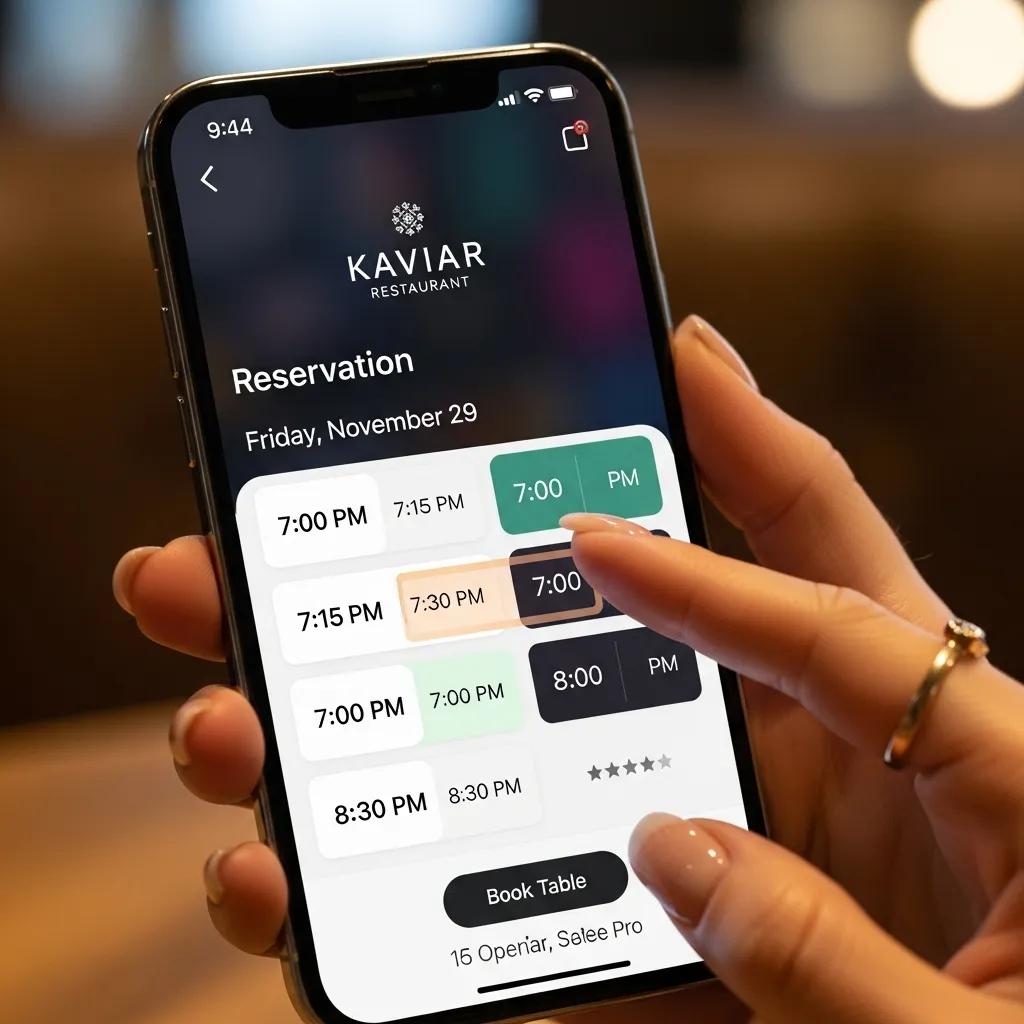
Kaviar uses major reservation platforms that provide instant confirmations, waitlist handling, and calendar integration to simplify planning. OpenTable and Resy are commonly available for fine dining bookings; both show available time slots, support profile preferences, and send confirmations and reminders to reduce no‑shows. When you check availability, look for immediate confirmation badges or waitlist options and use the platform’s notes field to flag dietary restrictions or celebrations. These systems also generate confirmation emails for your records.
Knowing how each platform signals availability helps you interpret booking windows and avoid surprises with seat‑limited services.
How do I make a phone reservation for same‑day seating?
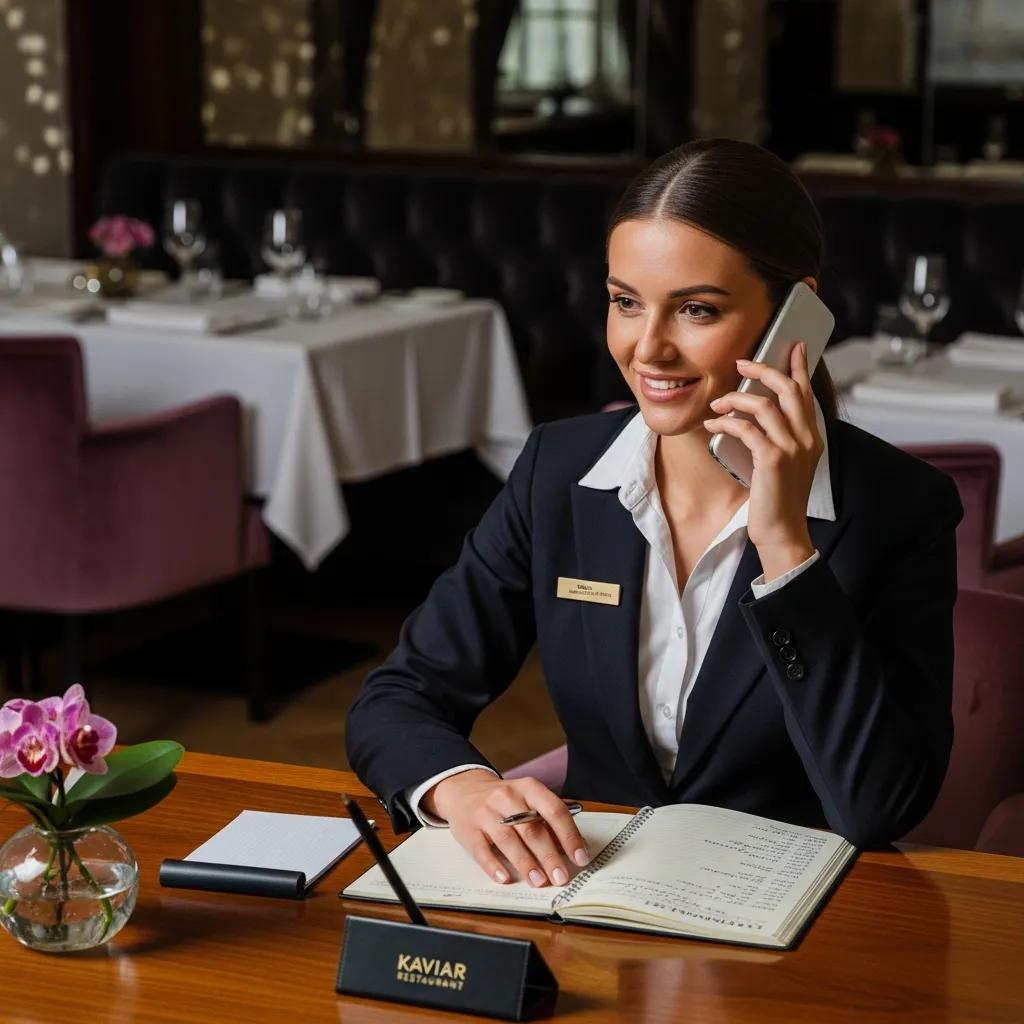
Calling the restaurant is the most direct way to request same‑day seating or confirm seat‑limited menu items. Have your details ready before you dial: party size, preferred time range, seating preferences, and the specific experience you want (omakase, A5 Wagyu, caviar service). Call (626) 605-0330 and try a concise script: give your name, party size, desired time, and ask whether the day’s seat‑limited menus are available. Mid‑afternoon—when the team updates the floor plan—is often the best window to call. Flexibility on timing improves your chances of securing a table.
Calling also lets you confirm how the kitchen will handle allergies or special plating requests, which online notes may not fully capture.
What are Kaviar’s reservation policies and dining hours?
Clear reservation policies and hours help you choose the right booking window and avoid last‑minute conflicts. Kaviar asks for reasonable notice on modifications and provides lead‑time guidance for specialty experiences; cancellations and no‑shows are managed to protect seat‑limited services and chef‑led tastings. The table below summarizes reservation types, typical cancellation guidance, and recommended lead times so you can pick the right approach.
This table explains how flexibility varies by reservation type and why lead time matters for chef‑driven menus. Planning ahead reduces the chance of disappointment.
What is Kaviar’s cancellation and no‑show policy?
We ask for notice so the kitchen and staff can manage seat‑limited services and accommodate other guests. As a guideline, provide 24–72 hours’ notice depending on your reservation type: standard bookings allow shorter notice, while omakase and specialty experiences require more time to adjust menus and staffing. To cancel or modify, use your original booking platform (OpenTable or Resy) for the fastest update, or call (626) 605-0330 if time is tight. Late cancellations or no‑shows may affect future same‑day availability, so timely communication helps everyone.
Early notice benefits both diners and the restaurant and preserves availability for others.
When are Kaviar’s dinner service hours?
Dinner hours determine when reservation windows appear and when same‑day seating is feasible. Services typically begin in the evening and can vary by day; holidays and special events may have adjusted schedules. Check the reservation platform or call for date‑specific hours. Early and late seating can be limited for chef‑driven experiences, so factor in recommended lead times if you need a precise service window. For special events, phoning the restaurant will give the most current guidance.
Knowing operating hours helps you read platform availability indicators and choose the right time for high‑demand experiences.
Which exclusive dining experiences can you book at Kaviar?
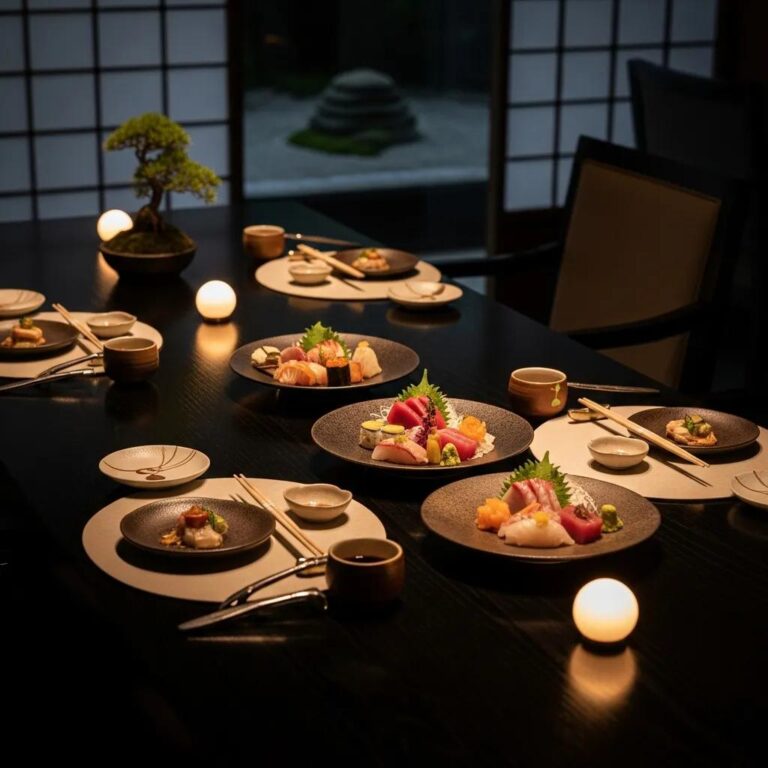
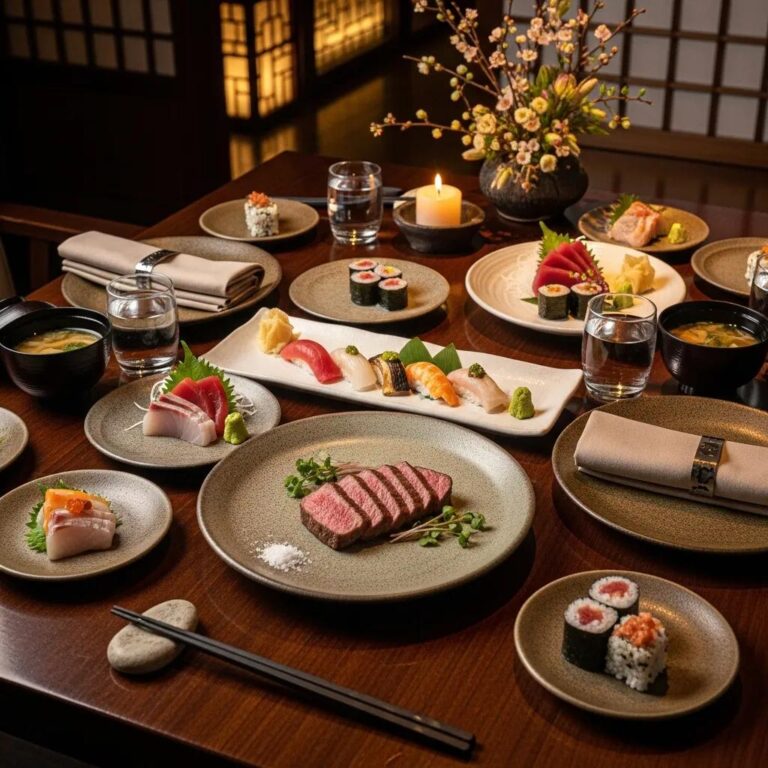
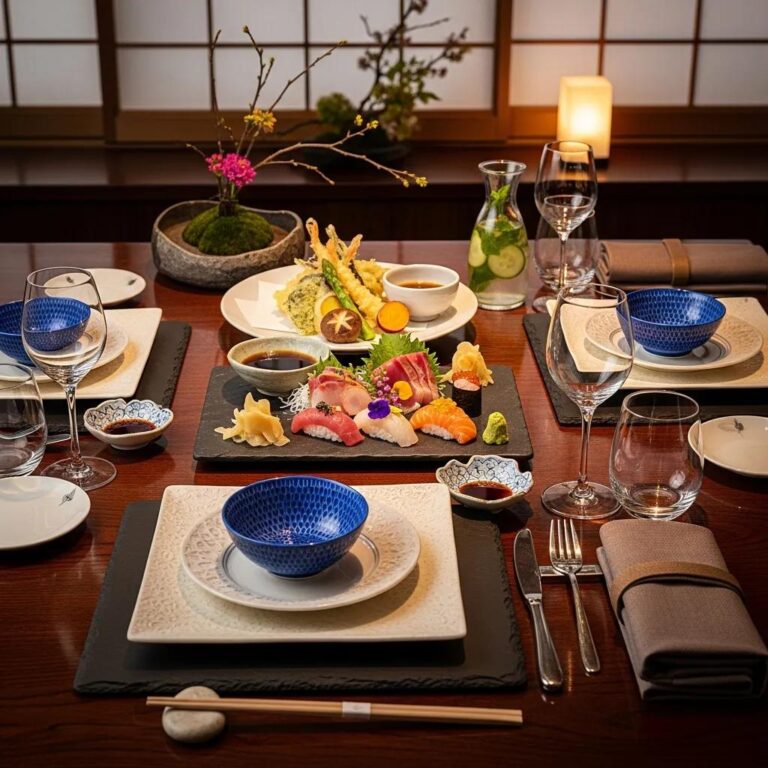
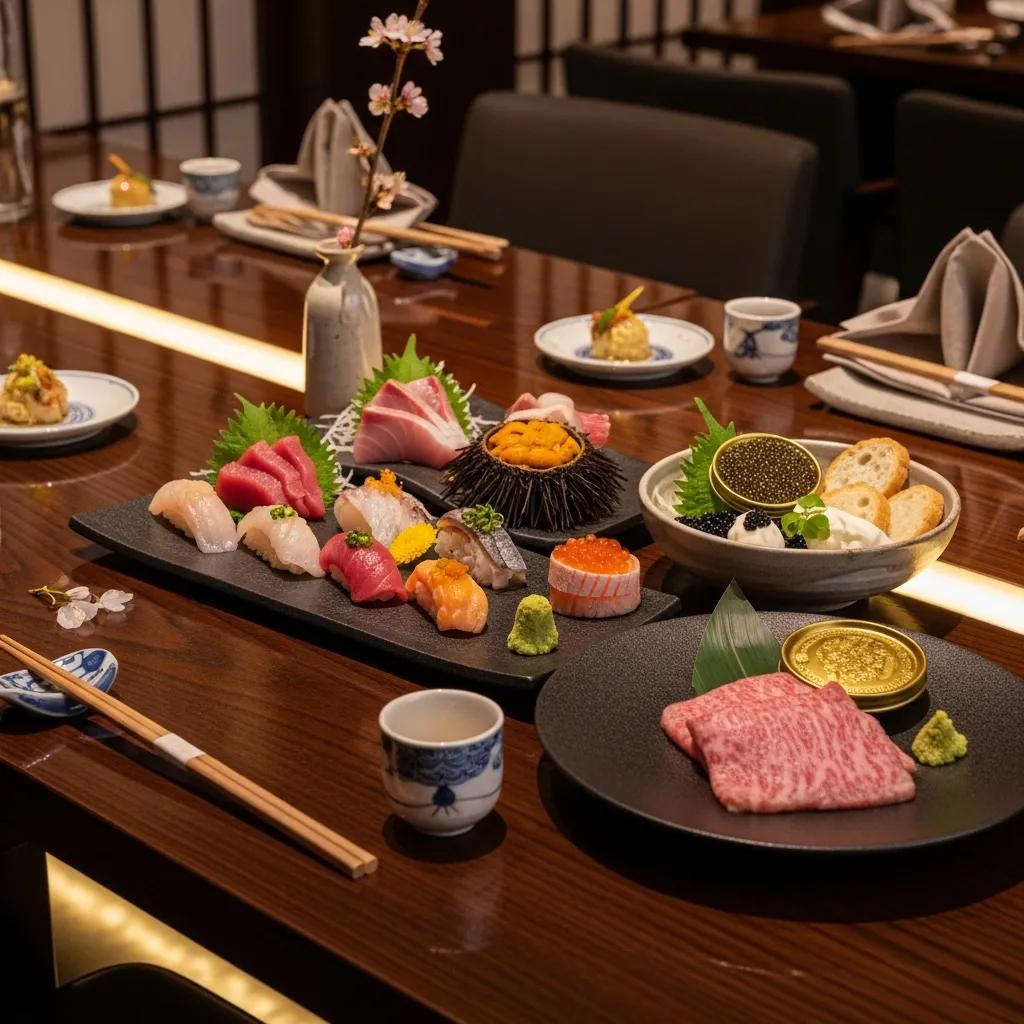
Kaviar offers several high‑end, seat‑limited experiences that require specific booking choices due to sourcing and chef preparation. Our core offerings — omakase tasting menus, A5 Wagyu courses, and the signature caviar service — each have unique characteristics such as duration, chef control, and seat limits. Understanding those differences helps you choose the experience that best fits your occasion and timeline. See the compact comparison below to decide which to book.
Experience comparison:
This comparison shows why advance booking and clear notes at reservation time matter for premium offerings.
How do I reserve the signature omakase in Pasadena?
When booking omakase, choose a time that allows for a 90–120 minute tasting and include dietary restrictions or celebration notes. Omakase is a chef’s tasting menu where the kitchen sequences multiple courses (for example: seasonal fish, palate cleansers, plated progressions) and requires precise seat planning, so earlier lead times are recommended. Secure an initial reservation via online platforms and call (626) 605-0330 if you need to confirm special ingredients or timing. We recommend 72+ hours’ notice for guaranteed seating; let us know allergies in advance so the kitchen can adapt the sequence.
Booking omakase early helps protect the chef’s plan and ensures you receive the full curated progression without last‑minute substitutions.
How do I book A5 Wagyu dining at Kaviar?
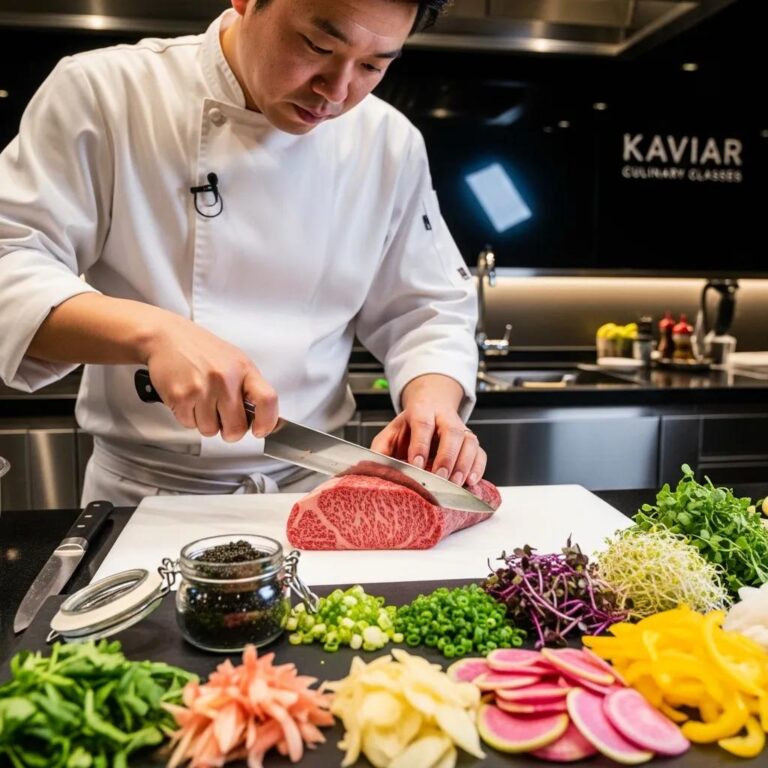
Requesting A5 Wagyu typically requires a note at booking because it involves provenance and limited portions prepared specifically for service. Flag A5 Wagyu in your reservation notes or mention it when you call so the kitchen can confirm availability and portioning. Recommended lead time is 48–72 hours to allow sourcing and portion planning. Expect a focused, high‑quality presentation where the Wagyu course complements the tasting structure; clear communication at booking helps us craft the ideal plate.
Noting A5 Wagyu during booking aligns expectations about sourcing and presentation and reduces the chance the item is unavailable when you arrive.
How does Kaviar improve your online reservation experience?
Kaviar enhances reservations through platform integrations, a mobile‑first booking flow, and confirmation systems designed to reduce friction. Instant confirmations, calendar‑sync features, and waitlist handling from platforms like OpenTable and Resy increase reliability and smooth the guest journey. Mobile UX features — clear one‑tap CTAs and concise menu previews — make booking straightforward on small screens. Below are practical platform and UX benefits you can expect when reserving.
Key platform and UX benefits:
- Instant confirmation and calendar integration to reduce planning friction and prevent double‑booking.
- Waitlist options and automated reminders that increase chances of filling last‑minute openings.
- Profile preferences and notes fields to capture dietary needs, celebrations, and special requests for kitchen continuity.
These features create predictable confirmations and a streamlined arrival experience, which matters when timing and pacing are essential for fine dining.
Why use OpenTable or Resy to book?
OpenTable and Resy each offer strengths for different booking scenarios. OpenTable provides broad inventory visibility and solid calendar sync for guests who want immediate confirmation and reminders. Resy is often preferred for waitlist flexibility and handling seat‑limited services. Both platforms keep reservation notes and profile preferences that help our team prepare for allergies or celebrations. Choose the platform that best matches your need for instant confirmation or waitlist flexibility.
How does Kaviar ensure a smooth mobile booking experience?
Our mobile‑first approach prioritizes fast load times, clear CTAs, and one‑tap booking so you can reserve on the go without losing important details. On mobile, confirmations and reminders appear as push or email alerts, and condensed menu previews help you decide during the booking flow. For mobile bookings, use the platform profile to store preferences and enable calendar sync to add the reservation to your personal planner. This keeps details synchronized across devices and reduces friction for high‑demand menus.
Mobile booking is designed so reserving a tasting menu on your phone is as straightforward as on desktop.
Frequently Asked Questions
How do I communicate dietary restrictions when booking?
Please tell us about any dietary restrictions or allergies when you book. Use the notes field on OpenTable or Resy, or tell us directly when you call. Early notice lets the kitchen adapt omakase or other specialty menus and avoids issues during service.
Can I change my reservation time after booking?
Yes. If you booked online, modify your reservation through that platform. For last‑minute changes or if you run into issues, call (626) 605-0330. Changes depend on availability, especially for omakase or A5 Wagyu, so act quickly to secure your preferred time.
When is the best time to call for same‑day reservations?
Mid‑afternoon—around 2:00–4:00 PM—is often the best time to call for same‑day availability, as the service team updates the floor plan then. Being flexible with your time increases the chance of finding an open table. Have your party size and preferred time range ready to speed the process.
Does Kaviar offer special events or promotions?
We occasionally host special events, seasonal menus, and exclusive tastings outside regular service. Check our website or follow us on social media for announcements, or ask about upcoming events when you make a reservation. These offerings can provide a unique glimpse into the chef’s seasonal work.
What should I expect during the omakase experience?
Omakase is a chef‑curated tasting that typically runs 90–120 minutes. You’ll receive a sequence of seasonal dishes showcasing the chef’s choices and techniques; the chef or server may describe each course as it’s presented. Share any dietary restrictions in advance to ensure a smooth experience. The meal is designed to showcase the best of Japanese fine dining.
How can I ensure a smooth arrival at Kaviar?
Confirm your reservation the day before and arrive on time. Use calendar sync from your booking platform to keep the reservation visible. Reiterate any special requests or dietary needs upon arrival. Being punctual helps the kitchen deliver the tasting as planned, especially for time‑sensitive experiences like omakase.
How do I modify or cancel my Kaviar reservation?
Modify or cancel via the platform where you booked (OpenTable or Resy) for the fastest update and immediate confirmation. If you need a verbal confirmation or time is tight, call (626) 605-0330 to speak with the team. Aim to provide 24–72 hours’ notice depending on whether your booking is standard or seat‑limited. After changing your reservation, confirm you received the platform’s updated confirmation so the change is recorded.
Prompt modifications free seats for other guests and help maintain good standing for future reservations.
Does Kaviar accept walk‑ins?
We may accommodate walk‑ins when the dining room has immediate openings, but walk‑in availability is less predictable than reserved seating and is especially limited for omakase, A5 Wagyu, and caviar services. Walk‑ins have higher success on weekday early‑evening hours when demand is lower, but for premium tasting menus we strongly recommend booking in advance to secure your seat. If you attempt a walk‑in, be prepared to wait and to be flexible on timing or menu options.
- Check platform availability first: Use reservation platforms for the fastest path to confirmed seating.
- Call for last‑minute needs: Dial (626) 605-0330 when time is tight or to request special arrangements.
- Reserve premium menus early: Book omakase or A5 Wagyu with the recommended lead times to ensure availability.
Conclusion
Reserving at Kaviar ensures a carefully crafted Japanese fine dining experience with seamless online bookings and attentive service. Understanding lead times, cancellation guidance, and booking channels will make securing coveted experiences like omakase and A5 Wagyu easier. Follow the steps above and use the recommended platforms or our phone line to plan an exceptional meal at Kaviar.