






Kaviar’s Practical Guide to Audio‑Visual Equipment for Presentations & Events
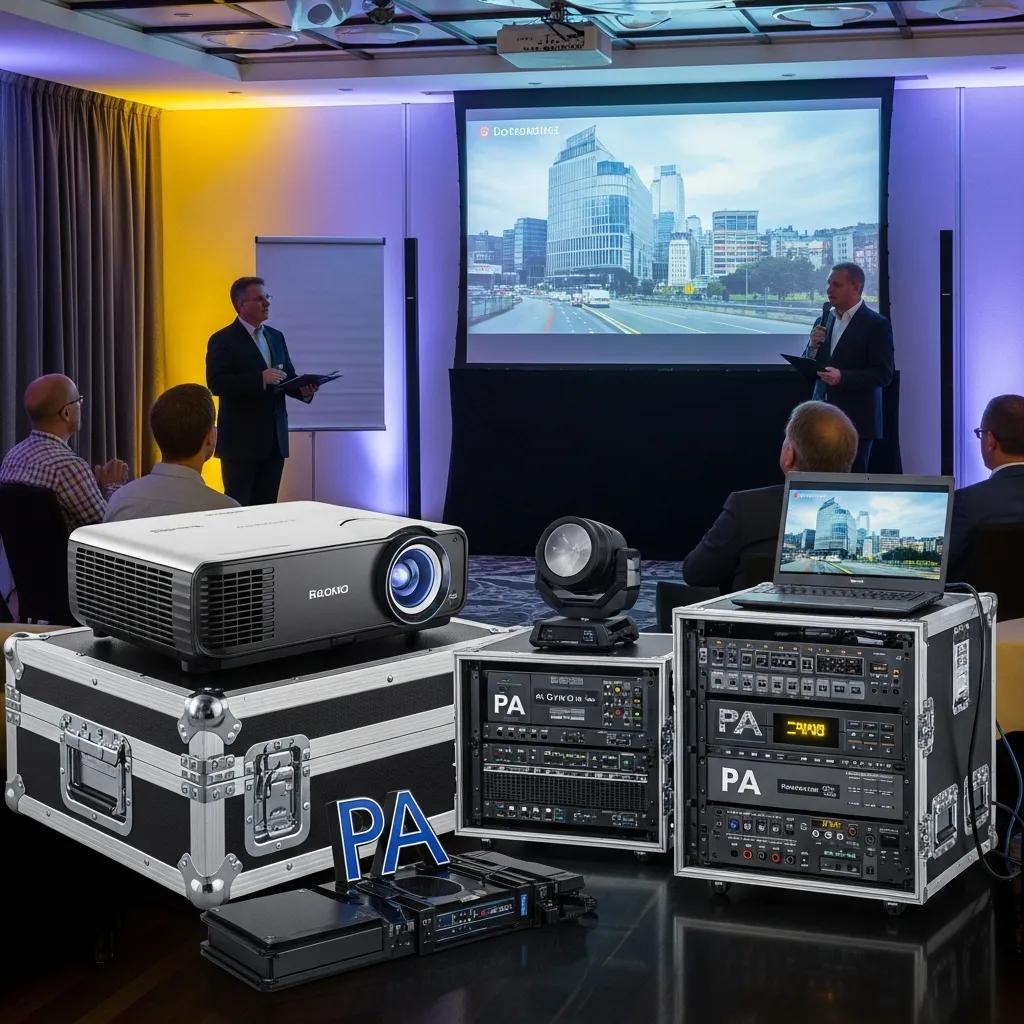
Audio‑visual (AV) equipment for presentations and events is the combined set of display, audio, capture, lighting, and control systems that bring visuals and sound to life for your guests. Together, these systems sharpen clarity, boost engagement, and create a smoother attendee experience. This guide walks through how AV systems work (signal flow, display brightness, acoustic coverage), why those technical details matter across event formats, and how planners can pick the right tools for their goals. You’ll find essential equipment categories, a practical decision flow for selecting gear, the advantages of hiring professional AV teams, emerging trends for live and hybrid events, and the venue responsibilities that keep setups running on schedule. If you’re planning an event in a hospitality setting, note that Kaviar Restaurant — an upscale Japanese fine‑dining venue in Pasadena — offers private dining rooms that accommodate client‑provided AV and can recommend trusted local AV partners for a seamless production. Read on for hands‑on checklists, comparison guidance, and planning steps to help you deliver confident, tech‑ready presentations.
What Are the Essential Types of Audio‑Visual Equipment for Events?
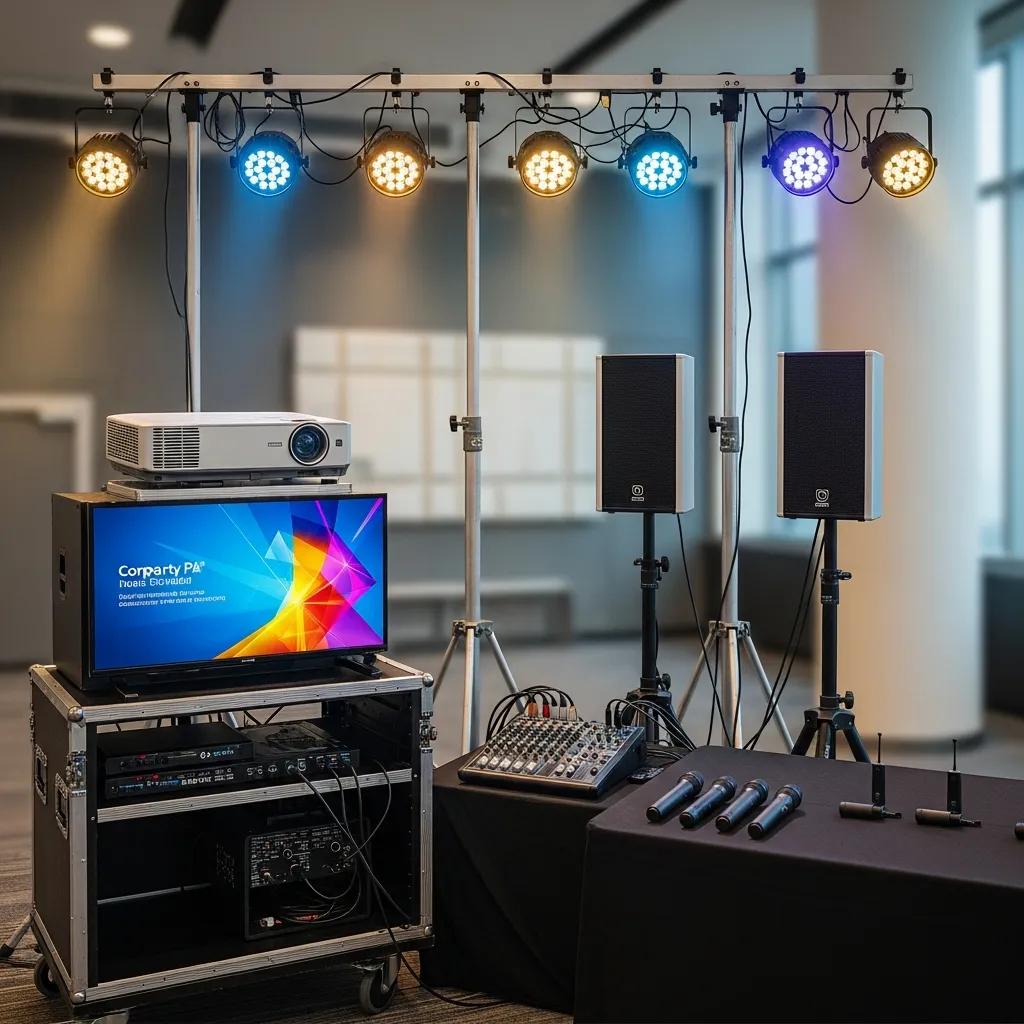
Event AV is organized into a few core systems: displays for visuals, audio systems for speech and music, capture and streaming gear for hybrid reach, lighting to set visibility and mood, and control hardware/software to keep everything in sync. These systems take source signals (a laptop, camera, or mixer), convert and amplify them, then deliver clear images and sound scaled to room size and ambient conditions. Choosing the right combination reduces technical risk and enhances guest perception — especially important where dining and atmosphere matter. Below we outline the main categories and offer a quick comparison to match items with typical use cases and venue sizes.
For fast planning, the following AV items are the most essential — the checklist most event teams confirm first before adding capture rigs or scenic effects.
- Projector and Screen: Best for slide‑led talks in rooms that can be dimmed.
- PA Sound System: Ensures spoken word is intelligible across seating arrangements.
- Wireless Microphones: Let presenters move freely without cable clutter.
- Event Lighting: Balances speaker visibility with the dining room’s atmosphere.
- Video Capture / Streaming Encoder: Sends a stable feed to remote attendees.
Use these essentials as a baseline and adapt them to your venue’s constraints and event objectives. Below we break down equipment by common use case and venue scale to help you choose.
Which AV Equipment Is Crucial for Corporate Event Presentations?
For corporate events, reliability and intelligibility matter more than gimmicks: clear visuals, dependable sound, and straightforward control are essential. A mid‑brightness 4K projector or a crisp LED panel makes slides readable; pair that with a two‑ or three‑way PA and a wired or wireless handheld or lavalier mic for clear speech. Confidence monitors or a presenter laptop plus a wireless clicker help pacing, and a compact digital mixer gives quick control over levels and sources. Always build in redundancy — spare cables, adapters, and at least one extra microphone — and run a full test before attendees arrive.
Microphone choice depends on mobility and stage layout: lavaliers are discreet for seated panels, handhelds work well for Q&A, and headset mics give consistent gain for keynotes. Consider sightlines and seating when placing screens and speakers to avoid blocked views or uneven audio. These practical choices lead naturally into the LED vs. projector trade‑offs and the role of sound systems.
How Do LED Video Walls, Projectors, and Sound Systems Enhance Event Experiences?
Strong visuals and clean audio shape how attendees perceive your event. LED walls offer superior brightness and contrast in rooms with ambient light, while projectors remain a cost‑effective choice in dimmable private rooms. LED panels are modular and keep color consistent at close viewing distances; 4K projectors can produce very large images for less upfront cost but require controlled lighting. A well‑tuned sound system does more than increase volume — digital mixing and careful speaker placement reduce feedback and ensure speech is intelligible across the room, which directly improves retention and professionalism.
In dining environments, balance is key: keep levels conversational and use directional speakers or delay fills to cover the audience without overwhelming service or conversation. Thoughtful integration preserves the culinary experience while delivering crisp presentations. These trade‑offs inform the selection framework that follows.
Studies show that LED displays often outperform projectors in brighter conditions and for certain content types — a useful consideration when choosing a visual solution.
Psychological Evaluation of LED Displays vs. Projectors for Large Screen Presentations
This experimental study compared a 200‑inch LED display with a 200‑inch screen plus projector under two lighting conditions (light‑on and light‑off) and two content types (art and text). Twenty‑four participants evaluated each condition using a five‑point semantic differential scale. Results indicated that the combination of art content, light‑off, and an LED display produced notably stronger responses than other combinations in the experiment.
Other psychological research has examined how brightness and content type affect viewer experience when comparing LED displays and projectors.
Comparing LED Displays and Projectors for Content Viewing: A Psychological Study
In this study, researchers showed six different lecture videos on a 200‑inch LED display and on a 200‑inch projected screen under three brightness conditions. Thirty‑four participants watched each 20‑minute lecture and completed questionnaires. The analysis found that higher LED brightness correlated with better evaluations, while brighter projector conditions tended to score lower; the authors also reported an ANOVA for more detailed comparisons.
How to Choose the Right Audio‑Visual Setup for Your Presentation or Event?
Start by clarifying your event objectives, surveying the venue, and aligning audience expectations with your technical needs and budget. Identify whether the session is informational, experiential, or hybrid—and whether remote attendees need high‑quality capture. Then measure room dimensions, note ambient light, check available power and network capacity, and use those findings to set display brightness, speaker coverage, and capture complexity. Finally, match requirements to vendor options and staffing so execution is reliable. The quick decision flow below summarizes the approach for efficient planning.
- Define Purpose: Be explicit about goals—training, product demo, or hybrid engagement.
- Assess Venue: Record room size, sightlines, lighting conditions, and power availability.
- Select Display & Sound: Choose brightness and SPL that suit ambient light and audience size.
- Confirm Connectivity: Check HDMI/DisplayPort, streaming bandwidth, and adapter needs.
- Hire Technician: Reserve setup time, soundcheck, and a full run‑through before the event.
These five steps form a repeatable checklist that prevents common mismatches between expectations and setup and lead into the selection factors and how room scale changes equipment needs.
What Factors Should You Consider When Selecting Event AV Equipment?
Focus on clarity, reliability, ease of use, integration, redundancy, and budget. Clarity calls for the right resolution and brightness for displays and sufficient SPL and coverage for audio. Reliability means choosing proven gear, reputable rental partners, and bringing spares for mission‑critical elements. Ease of use favors simple control surfaces or a dedicated operator. Integration covers format compatibility (HDMI, SDI, network streams) and keeping latency low so audio and video stay in sync.
Practical mitigations include running a dedicated local network for streaming, reserving dedicated power circuits for amplifiers, and rehearsing transitions between presenters. Addressing these factors narrows equipment choices and informs staffing and procurement decisions for a successful event.
How Does Venue Size and Event Type Influence AV Equipment Choices?
Room size and event format determine display scale, speaker count, and capture needs: small boardrooms (10–20 people) typically need a single display and two small speakers; mid‑size banquet rooms (50–150 people) usually require a projector or LED panel with distributed coverage; large auditoriums (200+) benefit from line arrays, multiple displays, and a multi‑camera capture rig. Hybrid events add camera angles, reliable encoders, and directional mics to capture both in‑room dynamics and remote audiences. Seating layouts—theatre, classroom, or banquet—affect sightlines and speaker placement strategy.
Mapping room categories to equipment helps procurement stay focused: pick displays and speakers that keep the back row comfortable and readable. Those practical mappings indicate whether you need confidence monitors, supplemental screens, or extra camera coverage.
What Are the Benefits of Using Professional Audio‑Visual Services for Events?
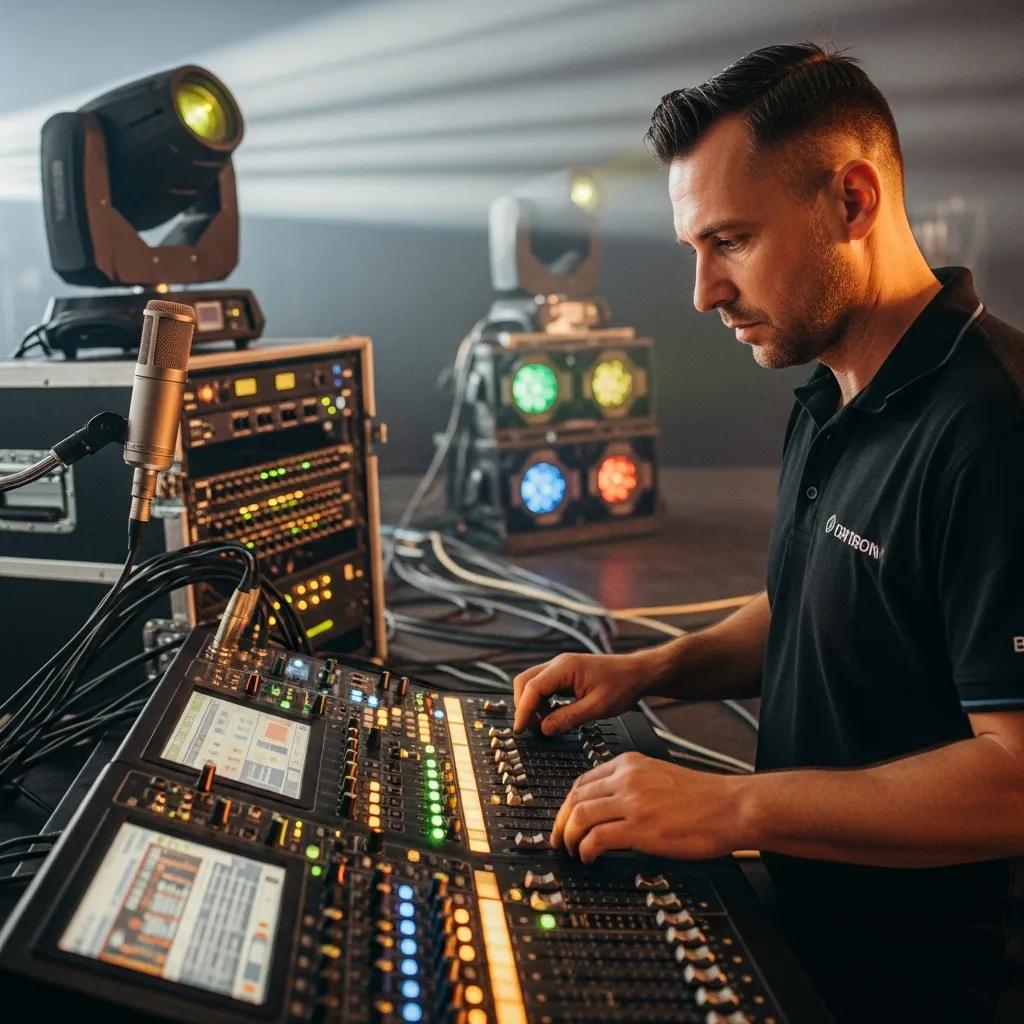
Professional AV teams reduce technical risk, speed setup, and raise production quality through experienced system design and on‑site troubleshooting. Pros plan redundancy, manage signal routing and format conversion, and tune audio to the room so speakers are clear without excessive volume. A skilled crew coordinates rehearsals, integrates lighting cues and media playback, and lets hosts concentrate on content and hospitality rather than equipment. Those benefits translate into higher guest satisfaction and fewer interruptions during critical moments.
How Do Professional AV Services Improve Event Engagement and Quality?
Professionals improve engagement by delivering synchronized, high‑fidelity audio and visuals that keep audiences present and lower cognitive load. Clean audio mixing clarifies speech, while well‑timed visuals and camera cuts sustain pacing and interest for both live and remote viewers. AV crews also add interactive tools — audience mics, live polls, and Q&A management — so presenters can respond without technical distraction. These details lead to measurable gains in attention and perceived event value.
With rehearsal time and on‑site staff, pros reduce downtime and quickly resolve format mismatches or connector issues. That operational reliability is especially valuable when events include premium dining or complex speaker rotations.
Why Is Seamless Integration Important in Event Technology Solutions?
Seamless integration — where displays, audio, lighting, and streaming systems work together without format clashes or latency — prevents disruptions that can undermine speaker credibility and guest experience. Common pitfalls include mismatched frame rates, audio‑video sync problems, and incompatible connectors; professionals avoid these by standardizing signal paths and using scalers and time‑alignment tools. Testing and redundancy (parallel encoders, backup microphones) remove single points of failure.
Integration also supports accessibility and scalability, letting you replicate a proven setup across multiple rooms or scale it for larger venues. When systems “just work,” event teams can spend their energy on content and hospitality instead of troubleshooting.
Practically speaking, Kaviar Restaurant’s private dining spaces provide vendor access and technician scheduling that support integrated setups, helping planners coordinate vendors without interrupting service or the dining atmosphere.
What Are the Latest Trends in Audio‑Visual Equipment for Live and Hybrid Events?
Recent trends focus on higher‑resolution visuals, more reliable wireless systems, interactive formats, and simplified hybrid workflows. 4K displays and LED walls sharpen branding and product detail; low‑latency digital wireless microphones and RF planning minimize interference; interactive touch displays and audience‑response platforms boost participation; and compact hardware encoders streamline live streaming into a single, stable box. These advances make hybrid events more engaging and lower the technical bar for smaller production teams.
Adopting these technologies requires thoughtful integration so high‑brightness displays and powerful sound don’t conflict with a venue’s dining atmosphere. Below we compare trending technologies and how they serve modern events.
How Are 4K Projectors and Wireless Microphones Shaping Modern Events?
4K projectors and direct‑view LED are worthwhile when visual detail matters — product demos or dense slide content — because they provide higher pixel density and better legibility at large screen sizes. Advances in digital RF and multi‑channel coordination have made wireless microphones far more reliable in crowded RF environments. As a rule: choose 4K/LED for high‑impact visuals or large audiences, and invest in digital wireless systems when mobility and RF cleanliness are priorities.
For many hospitality events, a balanced approach — quality projection paired with selective wireless mics — preserves visual fidelity and speaker movement without overpowering the room.
What Role Do Interactive Displays and Live Streaming Play in Hybrid Events?
Interactive displays enable real‑time collaboration and audience participation: presenters can annotate, run polls, and highlight content live, which increases engagement and retention. Live streaming requires multi‑camera inputs, hardware encoders, and reliable upstream bandwidth so remote attendees see and hear clearly. A typical hybrid stack pairs a PTZ camera, a hardware encoder, and a streaming platform with an on‑site technician managing scene transitions.
Run rehearsals and test streams to validate bandwidth and AV sync; that makes the remote experience coherent and comparable to in‑room participation.
How Can Event Venues Support Audio‑Visual Equipment Needs for Presentations?
Venues support AV by providing dependable infrastructure: adequate power distribution, segmented production Wi‑Fi, easy load‑in, secure mounting points, and controllable lighting. These amenities shorten setup times and help vendors deliver consistent results. Venues should also publish clear policies for client‑provided equipment — staging zones, acceptable install methods, and technician access windows. The checklist and table below list the critical items to confirm before an event.
Request these venue features early; confirming them up front prevents surprises at load‑in and creates a reliable baseline for equipment selection and timelines.
What Basic AV Amenities Should Venues Provide for Client‑Provided Equipment?
Venues should offer labeled power circuits with surge protection, a robust wired and wireless network with a production VLAN option, stable mounting points for screens or projectors, and a clearly defined load‑in schedule. These provisions avoid common problems like insufficient outlets, network congestion, or insecure mounts that compromise safety and performance. In hospitality settings, plan cable routes so service isn’t interrupted — temporary cable covers and neat cable management preserve the room’s look and safety.
Setting these expectations early lets vendors bring the right adapters and accessories and prevents last‑minute improvisation, protecting both the event timeline and the venue’s ambiance.
How Do Venue Partnerships with AV Rental Companies Enhance Event Technology?
Recommended AV partners streamline logistics through preconfigured gear packages, proven workflows, and familiarity with the venue’s constraints. Those relationships shorten setup time and lower incompatibility risk because vendors already know sightlines, mounting points, and power locations. When a venue suggests a partner, planners should still verify equipment lists, test streams, and confirm technician hours so the partner meets event‑specific needs.
Kaviar Restaurant often coordinates with planners and can recommend vetted local AV partners to simplify logistics for private dining events; this collaboration helps preserve service timing and the culinary experience while delivering professional AV support.
What Are Best Practices for Setting Up Corporate Event Audio Visual and Conference AV?
Begin with a technical rider that lists inputs, preferred formats, staging space, and power needs sent to the venue at least two weeks before the event. Build a timeline with milestones: T‑7 days (technical specs finalized), T‑1 day (equipment delivered and pre‑routed), and T‑2 hours (final soundcheck and run‑through). Assign roles — AV technician, stage manager, on‑site producer — and include contingency plans: backup microphones, spare adapters, and an alternate streaming path to handle small failures without disrupting the program.
Keep consistent documentation — labeled cables, source maps, and a run‑of‑show — to make troubleshooting faster and strike smoother. These practices create reliable, repeatable outcomes and scale across multiple events.
How to Plan and Execute a Successful Conference AV Setup?
Use a timeline that schedules equipment delivery, rigging, cable runs, and rehearsals. Confirm technical specs and streaming credentials seven days out; perform full install and signal routing one day prior; run the show with presenters two hours before doors open. Staffing should include at least one dedicated AV technician per main space and a stage manager to coordinate presenters and cueing. Use labeled connection panels and a single cue sheet to synchronize audio, video, and lighting cues.
A disciplined timeline and clear roles reduce last‑minute confusion and let technical staff proactively manage issues rather than react under pressure.
What Guidelines Should Clients Follow When Bringing Their Own AV Equipment?
Clients bringing gear should label all items, pre‑test equipment, pack required adapters, and share a contact sheet for their technician. Coordinate arrival times with the venue and confirm staging and storage locations before setup. Bring spare components — cables, microphones, power strips — and ensure devices are updated and compatible with the venue’s control systems. Notify the venue in advance of special install needs such as scaffold access or draping to avoid delays.
Following these steps reduces friction during load‑in and testing, helping the event stay on schedule and minimizing technical interruptions.
For bespoke private events at Kaviar Restaurant, planners are encouraged to share technical riders early so the venue can prepare staging and coordinate recommended AV partners while preserving the dining experience.
Please inquire directly with Kaviar Restaurant about private event availability and reservations to discuss private dining menus and event coordination; the venue can recommend local AV partners and schedule technician access to meet your timing needs.
Frequently Asked Questions
What should I consider when planning a hybrid event?
Focus on the technology that connects in‑room and remote audiences smoothly: reliable cameras, clear microphones, and a stable streaming platform. Confirm the venue’s bandwidth and power, and plan interactive elements — live polls, Q&A, or chat moderation — to engage both audiences. Rehearsals are essential to test transitions and ensure the virtual and in‑person experiences align.
How can I ensure audio clarity during my presentation?
Pick the right microphone for the room and the presenter: wireless handhelds for Q&A, lavaliers for panels, or headsets for active keynotes. Conduct thorough sound checks to set levels and reduce feedback. Position speakers for even coverage and use a digital mixer to balance sources. These steps keep speech crisp and comfortable for listeners.
What are the advantages of using LED walls over traditional projectors?
LED walls excel in bright rooms: they offer higher brightness, stronger contrast, and more vibrant color than projectors, and their modular build allows flexible sizes and configurations. Wider viewing angles help more guests see content clearly. Though LED can have a higher initial cost, its durability and low maintenance often make it a smart investment for repeated use.
How do I choose the right AV technician for my event?
Look for a technician with relevant experience and references, ideally someone who has worked similar events or at your venue. Confirm they understand your technical rider — hybrid needs, audio priorities, and timing — and that they’re proactive, communicative, and quick at troubleshooting. A brief meeting or interview before the event helps ensure a good fit.
What role does lighting play in enhancing presentations?
Lighting sets mood and ensures visibility. Use adjustable lighting to balance speaker highlights with ambient dining light. Spotlights or focused key lights keep presenters visible without washing out the room; softer background lighting maintains atmosphere. Integrating lighting cues with your presentation enhances emphasis and audience focus.
What are the best practices for testing AV equipment before an event?
Do a full soundcheck and visual run‑through at least a day before the event. Verify all power, cable connections, and adapters. Run the full presentation with speakers to check audio levels, video clarity, and sync. Have all presenters attend the rehearsal so everyone is familiar with the setup, and document any adjustments for reference on event day.
Conclusion
Thoughtful AV choices elevate presentations from adequate to memorable. By understanding essential gear, matching technology to venue and goals, and partnering with experienced AV professionals, planners can deliver clear, engaging events that respect both content and hospitality. If you’re planning a private event at Kaviar Restaurant, we’re happy to discuss menus, room options, and recommended AV partners to ensure your production and dining experience are equally exceptional.